Cultural Resources Assessment
Alder Reach
Waterfront Renewal
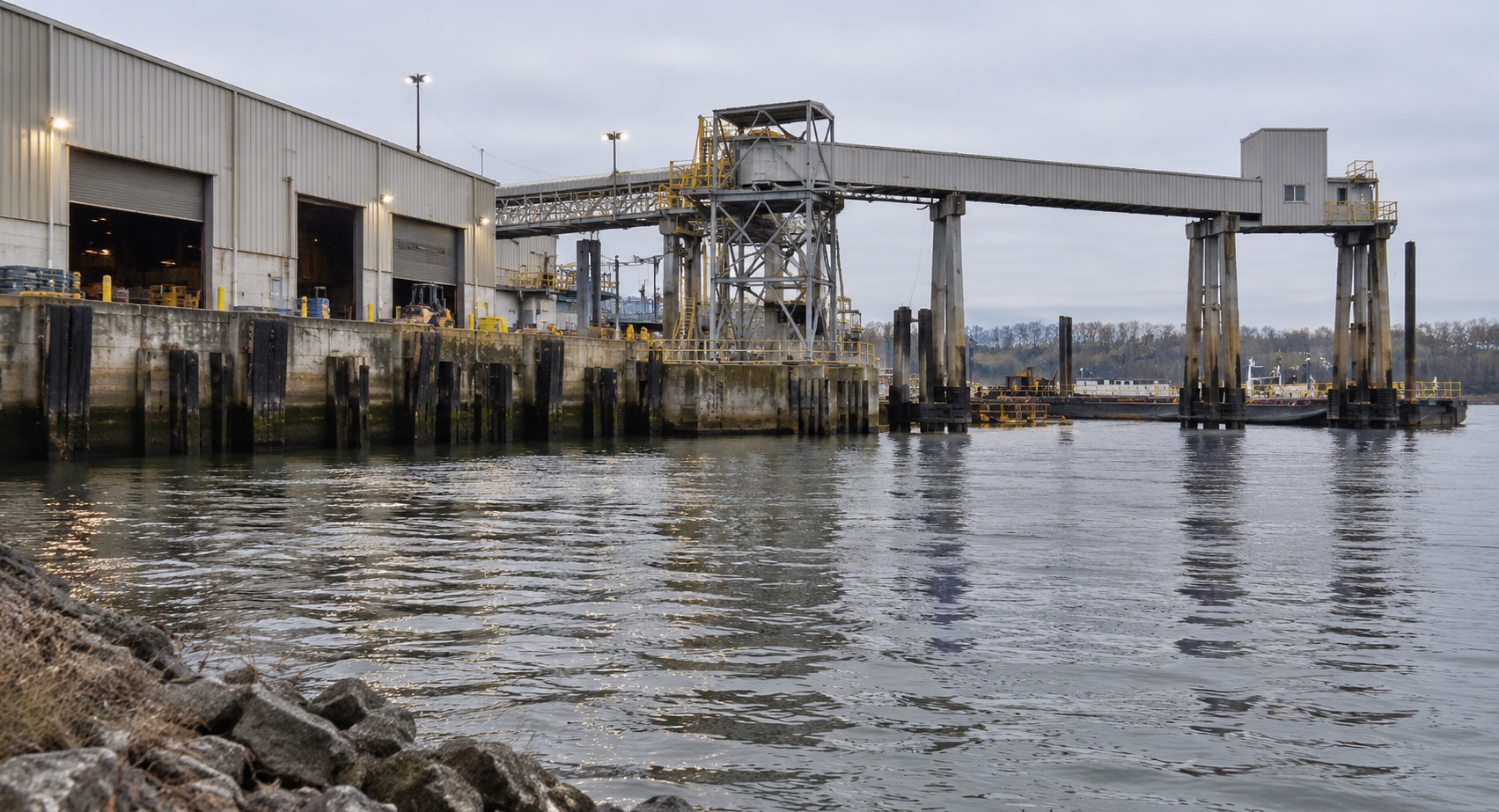
Prepared for
Juniper Basin Engineering
Prepared by
Arroyo Lantern
Cultural Resources
AR–2026–014 2026
 CR Publisher
From GPS points and shovel tests to GIS maps, photographs, and field notes, CR Publisher is designed to bring your project materials together and help you create beautifully formatted technical reports built around applicable agency requirements.
Keep your field tools. Give your reports a professional finish.
Start with the information you already collect: field records, maps, photographs, inventories, and previous reports.
Bring professional presentation and agency-informed structure into the same reporting workflow.
Keep the tools and workflows that work in the field.
GPS points. Shovel test records. GIS maps and survey transects. Site photographs, field notes, artifact inventories, and previous reports.
CR Publisher is designed to bring these materials into one reporting workspace, so the information behind your project can become the maps, tables, figures, and narrative in your report.
Start with your work. Build toward the finished report.
Bring your field data and project records into CR Publisher. Keep the collection workflow that works for your team.

GIS mapping & field observations

Survey forms & inventories

Mobile field data & photos

Environmental field recording

Archaeological field records

Cultural resource field recording

QGIS-based mobile mapping

Offline maps & GPS locations
AI-assisted research & drafting
Handwritten field capture forms
Spreadsheets & field logs
Tabular records
Geographic features
GIS layers
Map locations & overlays
Georeferenced imagery
Field photographs & images
Reports & archival records
Documents & narratives
GPS tracks & waypoints
…and many more.
CR PublisherYour fieldwork.
A finished report.
A professional report needs a clear structure and a consistent finish. CR Publisher brings those needs into one workflow: organize the report around applicable agency guidance, then shape its presentation for your firm.
Your data. The right structure. Your presentation.
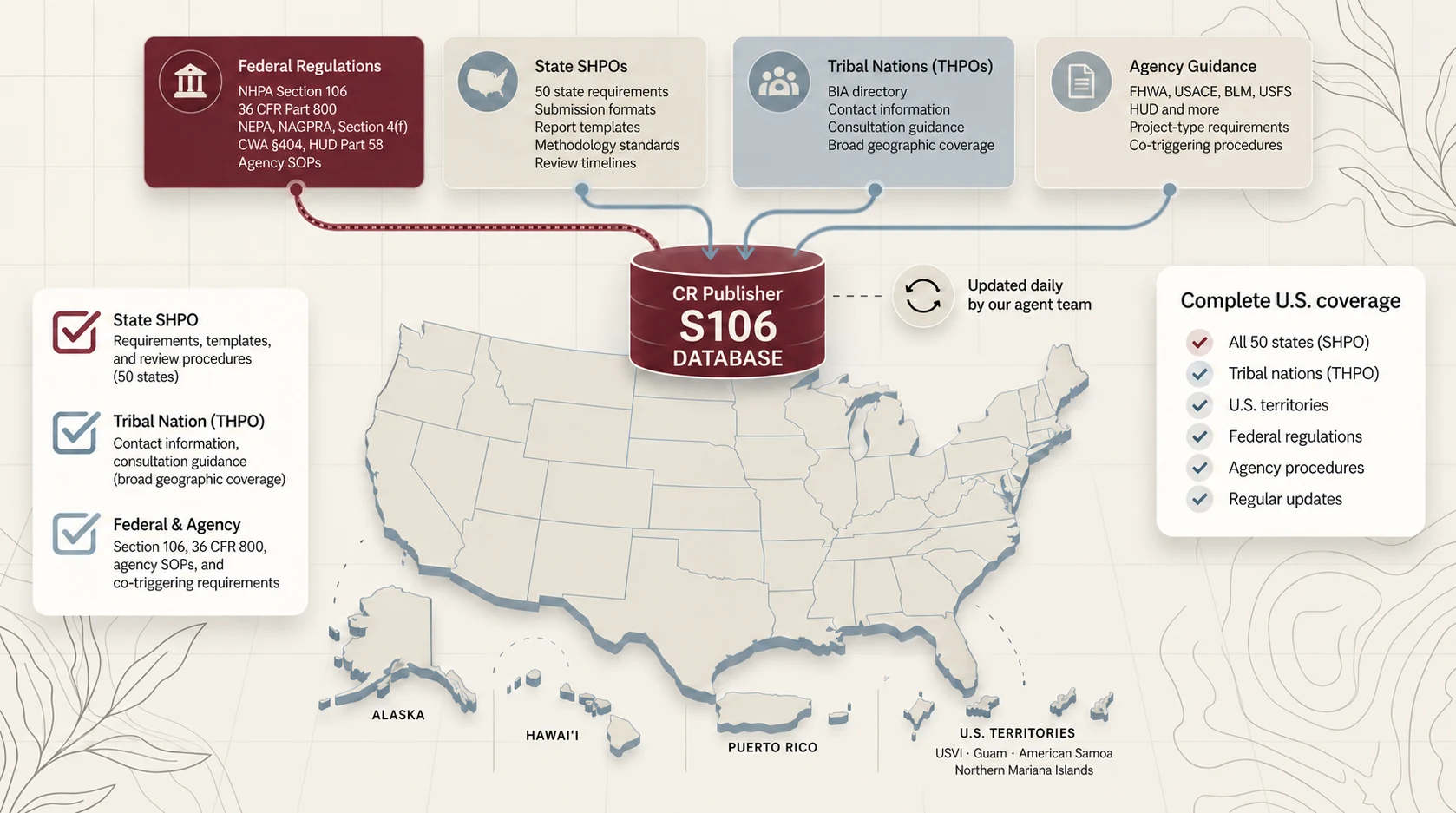
CR Publisher's own database of Section 106 and agency-specific reporting guidance gives teams source references to consult while choosing a report structure.
Start with report-type sections, customize the outline, or begin with a blank report. Add, rename, reorder, or remove sections as your work develops.
Agency · Jurisdiction · Report type · Template · Theme
CR Publisher maintains its own nationwide database of Section 106 and agency-specific reporting guidance.
Behind the scenes, automated research agents revisit authoritative sources on a daily schedule. Changes are reviewed before publication. Your team can consult the retained guidance while shaping the report and using optional suggestions.
Fewer avoidable revisions. Less rework. More predictable reporting timelines.
Explore reporting guidance →Guidance coverage varies by jurisdiction, authority, and report type. Your team must confirm the requirements applicable to each project with the responsible authority.
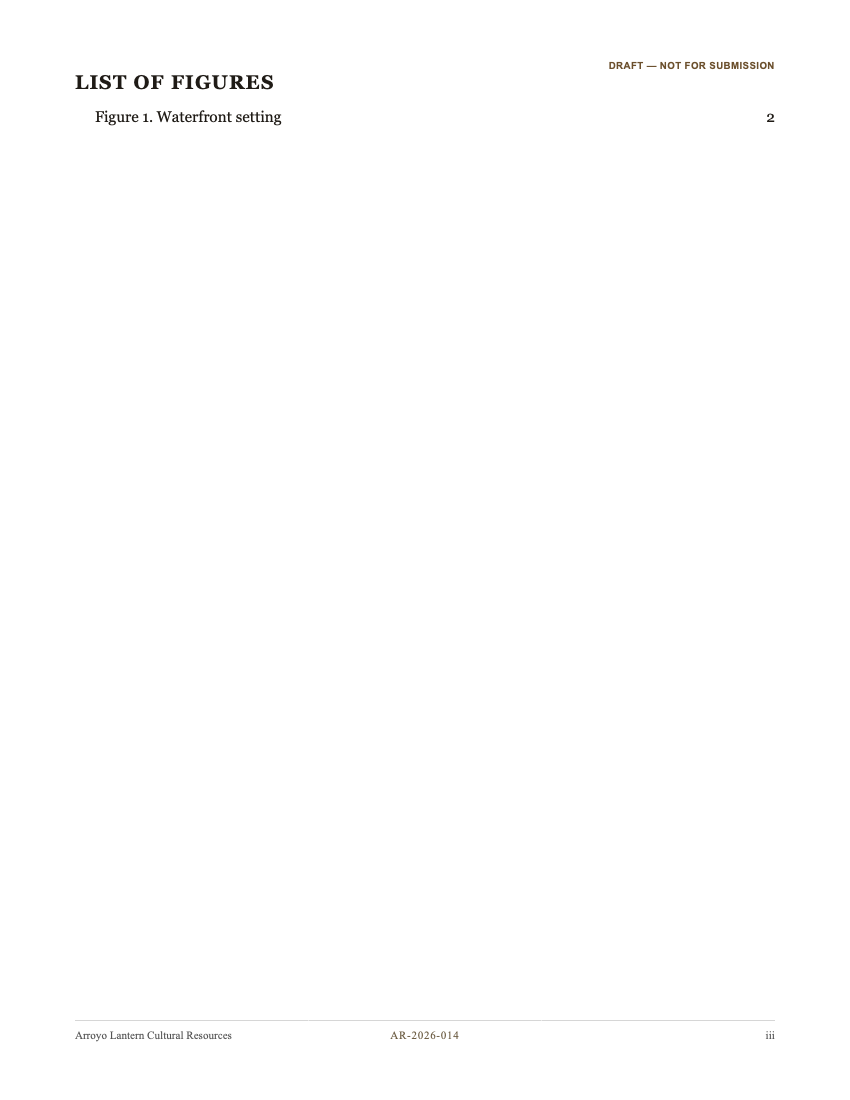
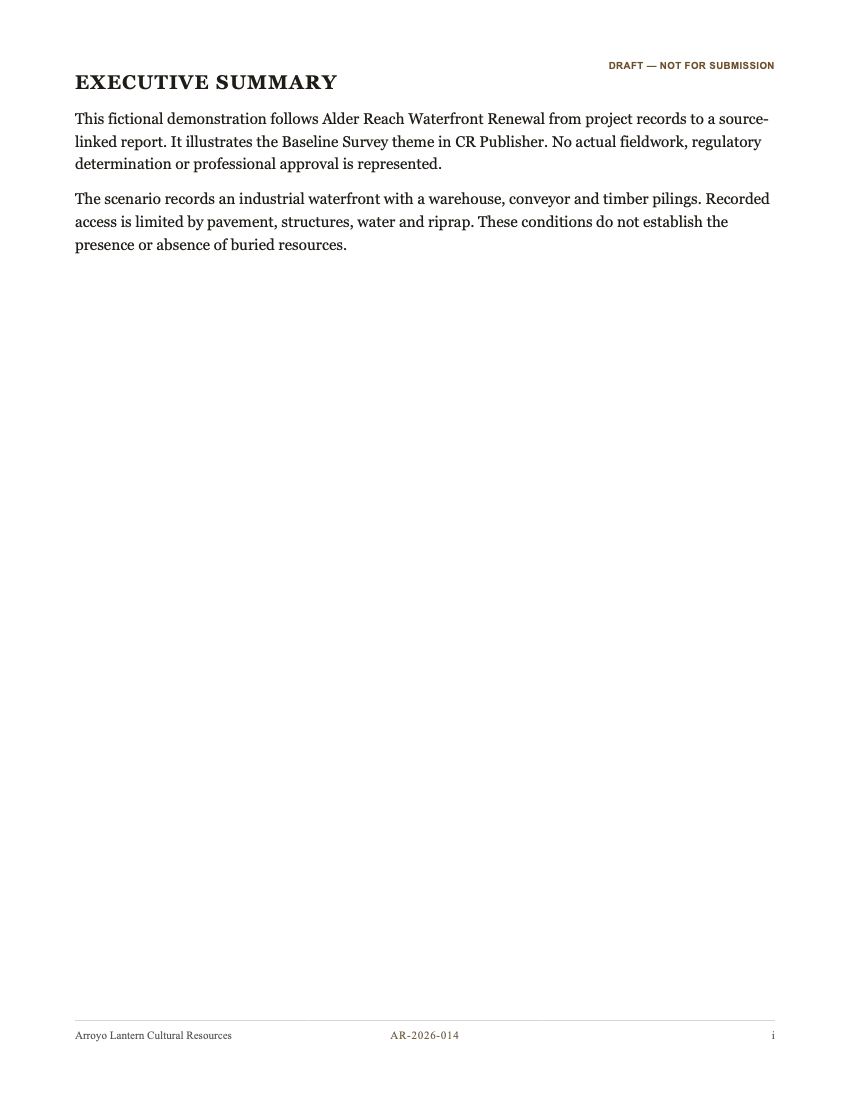
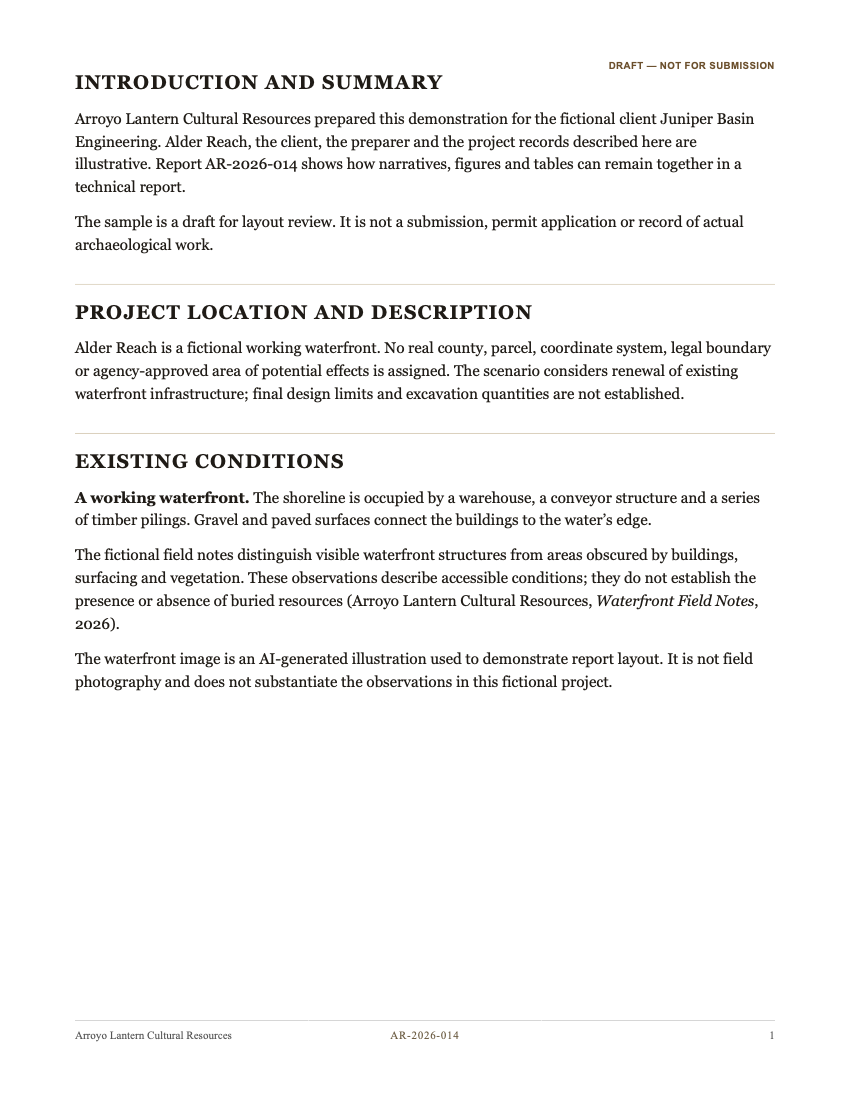
Choose from an expanding selection of themes available today. Explore a few presentations of the same Alder Reach report, from a traditional technical layout to a look shaped around your firm.
One set of project records. The appropriate report structure. A presentation that fits your firm and audience.
Cultural Resources Assessment
Juniper Basin Engineering
Arroyo Lantern
Cultural Resources
AR–2026–014 2026
Cultural Resources Assessment
Juniper Basin Engineering
Arroyo Lantern
Cultural Resources
AR–2026–014 2026
Cultural Resources Assessment
Juniper Basin Engineering
Arroyo Lantern
Cultural Resources
AR–2026–014 2026
A consistent identity across covers, headings, tables, figures, and page layouts.
The theme keeps presentation settings separate from report content, making repeated formatting easier to manage.
Maps, photographs, tables, and charts belong together in the report, with room to refine their presentation along the way.
Optional Report suggestions bring source changes and report links into view while you review the report.
Choose which suggestions to use, return to the linked content, and review the finished pages with your team. Suggestions do not block export.
Your project materials don't always arrive ready for the page. The reporting workspace is designed to put useful tools close to the content: a map to refine, a photograph to crop, a table to organize, or measurements to explore as a chart.
Explore a few examples below.
Start with field data, project records, and the work you've already done.
Develop the report, organize its supporting content, and prepare figures and tables in context.
Check the content and page layout, resolve outstanding items, and prepare the report for your team's final review.
Map Studio · Image Studio · Data Studio. Enable JavaScript to try the example controls.
Bring in your GIS files, organize your layers, and prepare maps that belong in your report.
The report, its source materials, and its finished presentation should be easy to follow from one stage to the next.
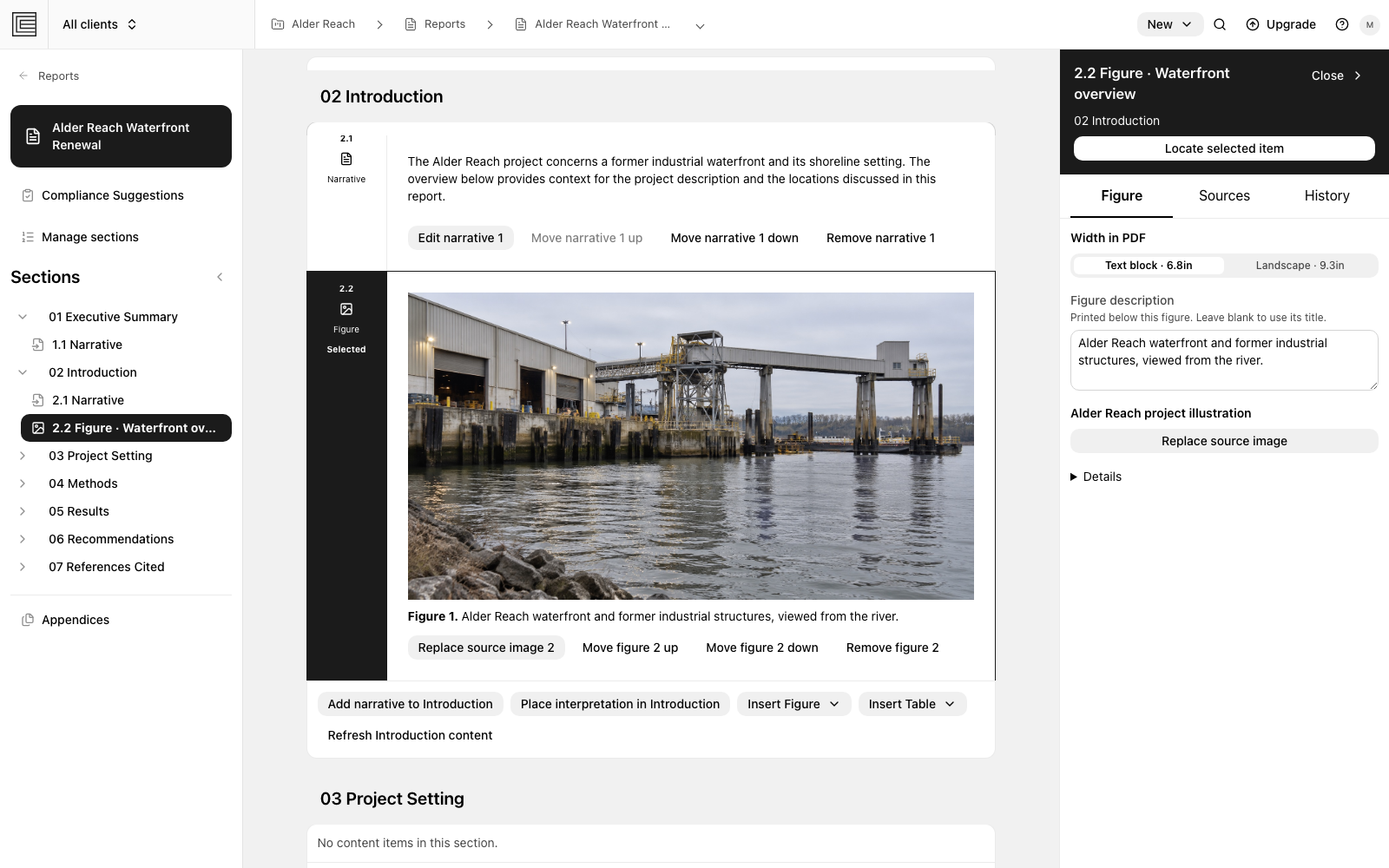
The workspace keeps narrative, figures, and tables connected to the report outline.
Consult field notes, earlier reports, and supporting materials while developing the current report.
Move from individual content to finished pages before the report goes out for review.
 Claude
 ChatGPT
 Codex
Already working with Claude, ChatGPT, or Codex? Bring the assistant you prefer into your reporting workflow.
Use supported connections to help organize project records, prepare source materials, and draft report sections. Save the work in CR Publisher, where your team can review, revise, and publish it.
Your assistant. Your project data. Your final say.
Explore AI connections →“Prepare a draft of the methods section using these project records.”
Draft content is saved to the selected report section.
Your team checks sources, edits the narrative, and approves what goes into the report.
CR Publisher is designed to work with materials from your existing field workflow.
Coverage will be identified by agency, jurisdiction, and report type.
No. The project's applicable guidance informs the structure. A theme controls presentation within that structure and any applicable formatting constraints.
That is the intent of Your Firm's Theme.
No. Optional suggestions provide source references and report links for your review. Your team decides what applies and what to change.
The interactive examples let you explore the workflow.
Keep the work you've already done moving toward a professional report—with your materials, an informed structure, and a presentation that reflects your firm.
Tell us a little about your reporting work. We'll follow up about early access and which capabilities may fit your projects.
Email us for early accesssupport@crpublisher.com